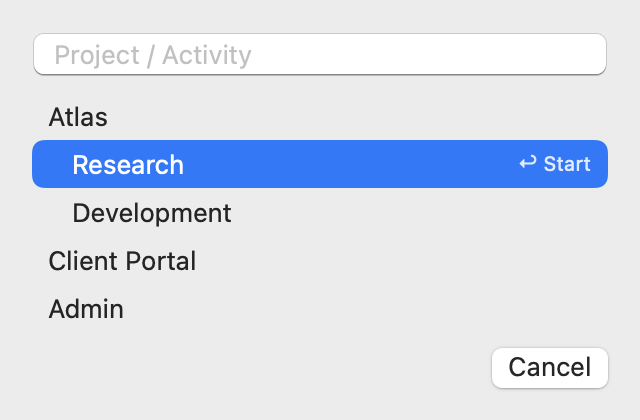
Start by typing
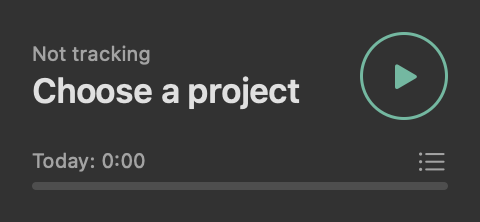
One field, "Project / Activity". It finds what you've used before or creates it, and you never leave the keyboard.
A menubar time tracker for Mac
A time tracker that lives in your menubar and stops counting when you walk away. No accounts, no dashboards, no one watching over your shoulder.
Free. Requires macOS 14 or later. Coming soon to the Mac App Store.
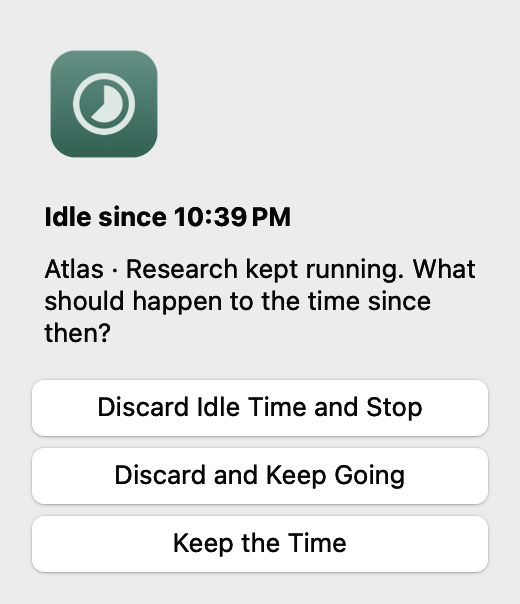
Honest hours
After ten minutes without input (you choose how long) the timer asks what happened to that time, instead of quietly billing you for lunch. The question is already waiting when you sit back down.
A closed lid and a sleeping Mac count as idle too.
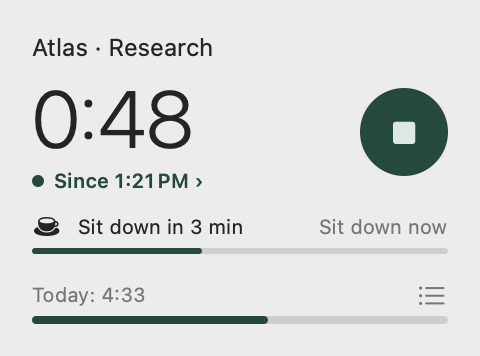
No dock icon, no window to manage, no sign-up. The menubar shows the elapsed time while a timer runs.
One field, "Project / Activity". It finds what you've used before or creates it, and you never leave the keyboard.
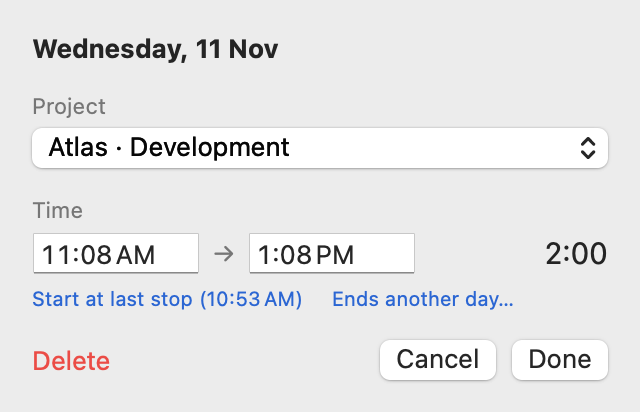
Times are typed, not nudged. "Start at last stop" closes the gap after the previous entry in a click.
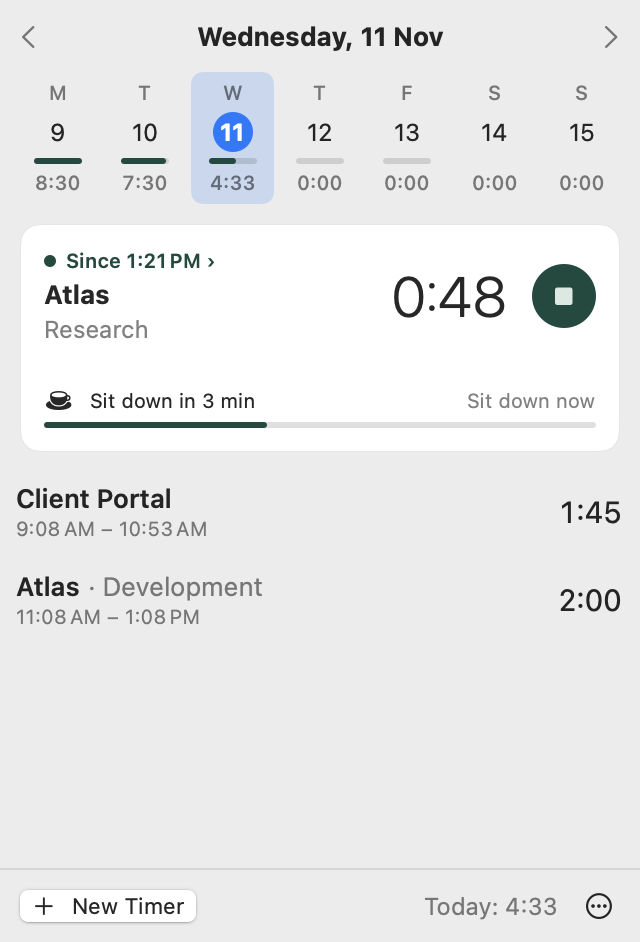
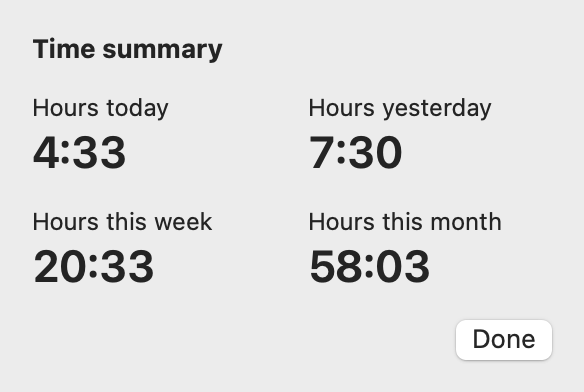
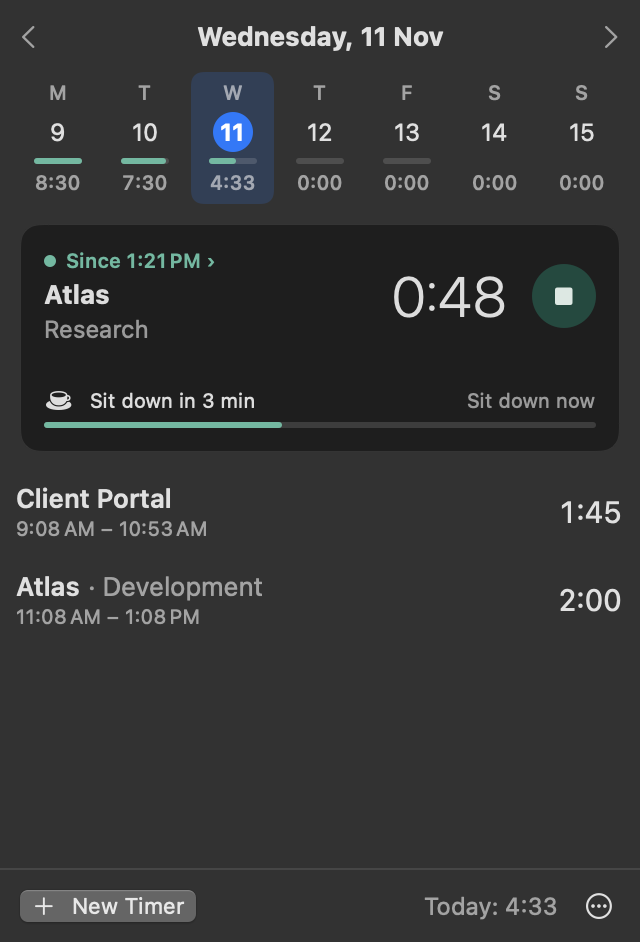
Today, yesterday, this week and this month, one click away. Set how long a day should be and the week strip draws each day against it.
Appearance follows the system or stays where you set it. A minimal view shows a project, a number and a single button.
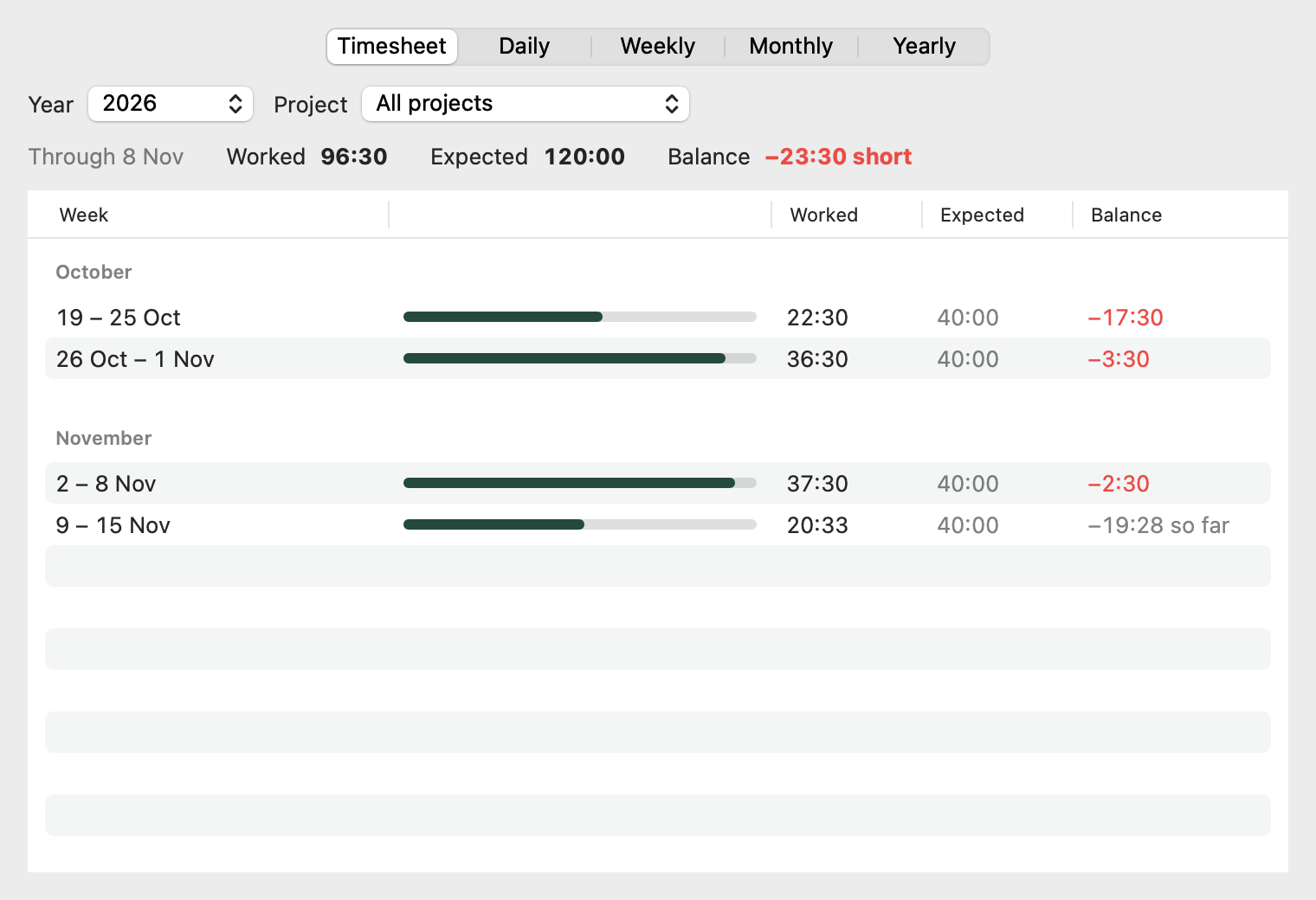
Worked against expected, week by week, with a signed balance carried through the last finished week. Totals by day, week, month and year sit alongside it.
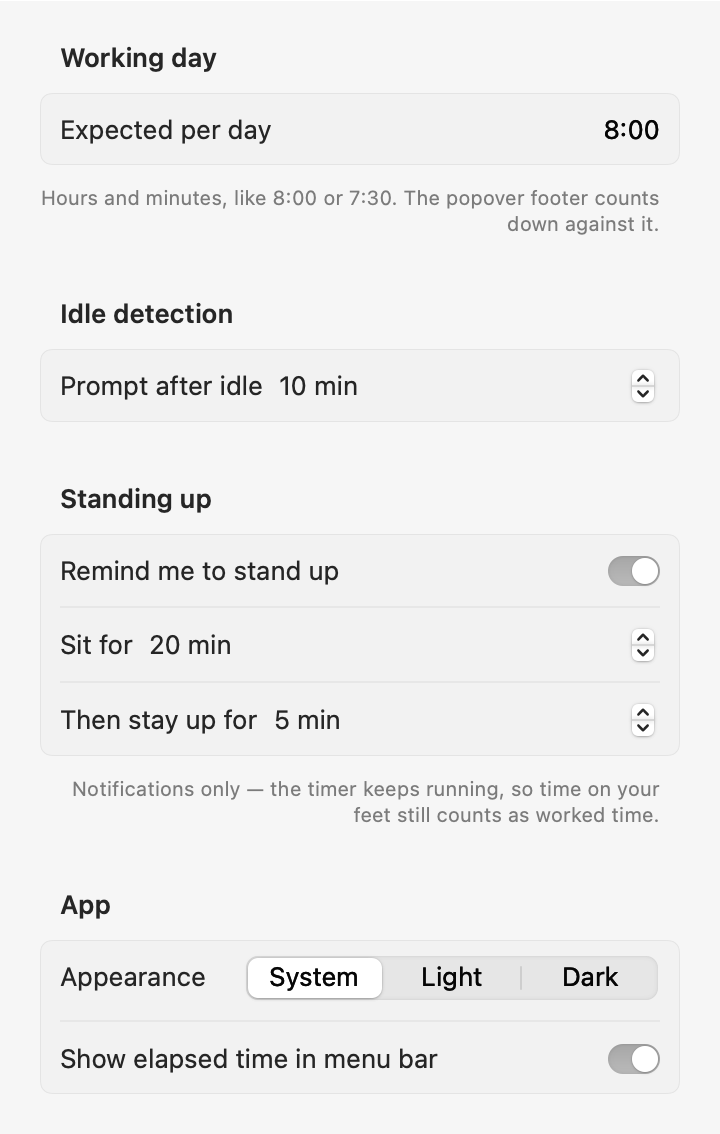
Optional nudges after a stretch of sitting. They never stop the timer: time on your feet is still time you worked.
Export every entry as CSV, or dump everything as JSON. Your data leaves as easily as it arrived.
How long before it calls you idle, how long a day should be, when to stand up, and how it looks. That's about it.
Yours alone
Your projects and entries are plain files on your Mac. You can read them, back them up, or delete them. The app makes no network connections at all.
Read the privacy page
No trial, no limit, no subscription, no in-app purchase.
Coming soon for MacComing soon to the Mac App Store.